The 2026 Toyota Camry presents unique challenges when dealing with an “all keys lost” situation. Here we walk through the complete process of gaining access, bypassing security systems, and programming new keys for this modern vehicle.
2026 Toyota Camry all Keys lost using LONDSOR K518, and Toyota 30 pin bypass cable.
Tools Required
Before beginning, ensure you have the following equipment:
10mm socket (or 10mm wrench)
Phillips head screwdriver
Trim removal wedge
Toyota bypass cable (30-pin connector type)
Key Programming tool (Lonsdor K518 Pro or Autel IM508 recommended)
Smart key emulator (Lonsdor or equivalent)
Wi-Fi hotspot (for internet connectivity)
Flathead screwdriver (for manual door lock manipulation)
Step 1: Accessing the Smart Box Connection
The critical connection point for this procedure is located behind the glove box. Here’s how to access it:
Remove the lower trim panel – Grab and pull toward you; it should pop off easily
Identify and remove all fasteners:
Three Phillips head screws
One 10mm bolt
Additional screws on both sides of the dash
Lower the glove box assembly – Once all fasteners are removed, carefully lower the entire assembly
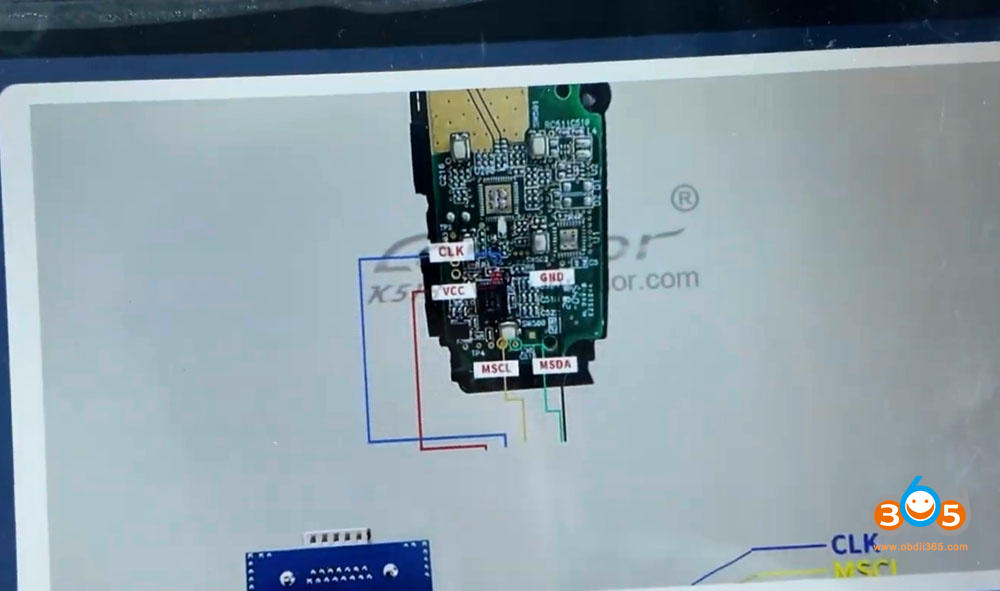
Locate the smart box – The connection you need is the top connector on the smart box
Pro Tip: When removing the dash components, take note of screw locations for easier reassembly.
Step 2: Disabling the Factory Alarm System
Newer Toyota models (2023+) have an updated alarm system that requires a specific procedure to disable:
The Problem
Older methods of simply turning the door lock actuator with a screwdriver no longer work on 2023+ models. The alarm may still remain active even after manually unlocking.
The Solution – Step by Step:
Access the door lock cylinder:
Remove the driver’s door lock cylinder
Carefully fish it out through the handle (it may be tight)
Manual unlock procedure:
Insert a flathead screwdriver into the actuator
Turn to the unlock position
Open the driver’s door (alarm will sound)
The “Newer Method” to disable the alarm:
With the door open, turn the lock from lock to unlock
Close the door
Turn from lock to unlock again
The alarm should now be fully disabled
Important: This method is essential on 2023+ Toyotas. Failure to properly disable the alarm will result in communication errors with the ECU.
Step 3: Bypass Cable Installation
The 30-pin bypass cable connects the smart box to the OBD port:
Disconnect the top connector from the smart box
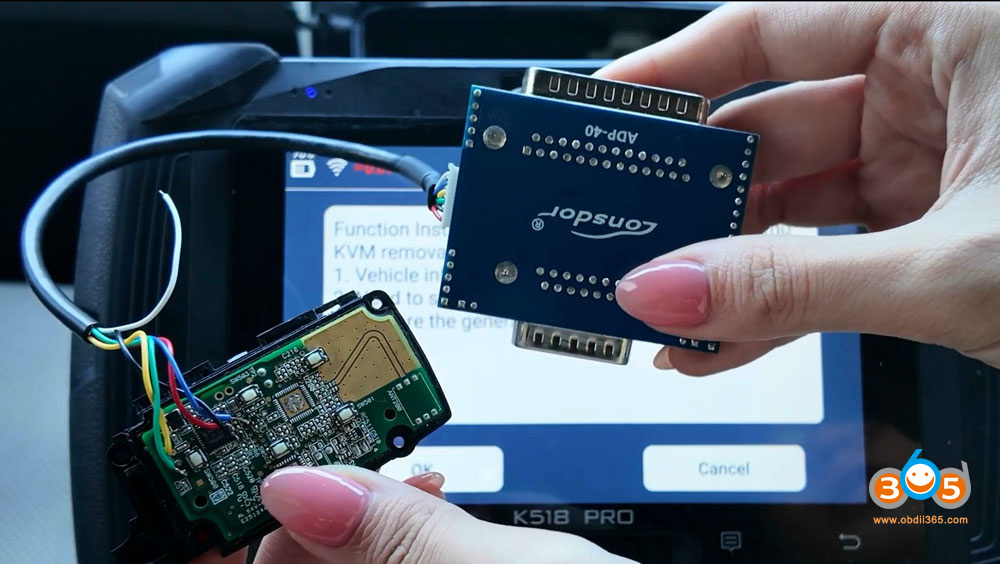
Connect the bypass cable to the smart box’s female port
Route the cable from the smart box to the OBD port
Connect the cable’s OBD end to your diagnostic tool
Note: The male end of the bypass cable connects to the female part of the smart box, and the female part connects to the male part of the connector that came out of the box.
Step 4: IMMO Data Backup
Once the bypass cable is installed and the alarm is disabled:
Connect your key programmer (Lonsdor K518 Pro or Autel IM508)
Select appropriate vehicle menu:
If available: Camry HV > 2021 and up
If not found (as in this case): Corolla > 2023-2026 – Smart Key System
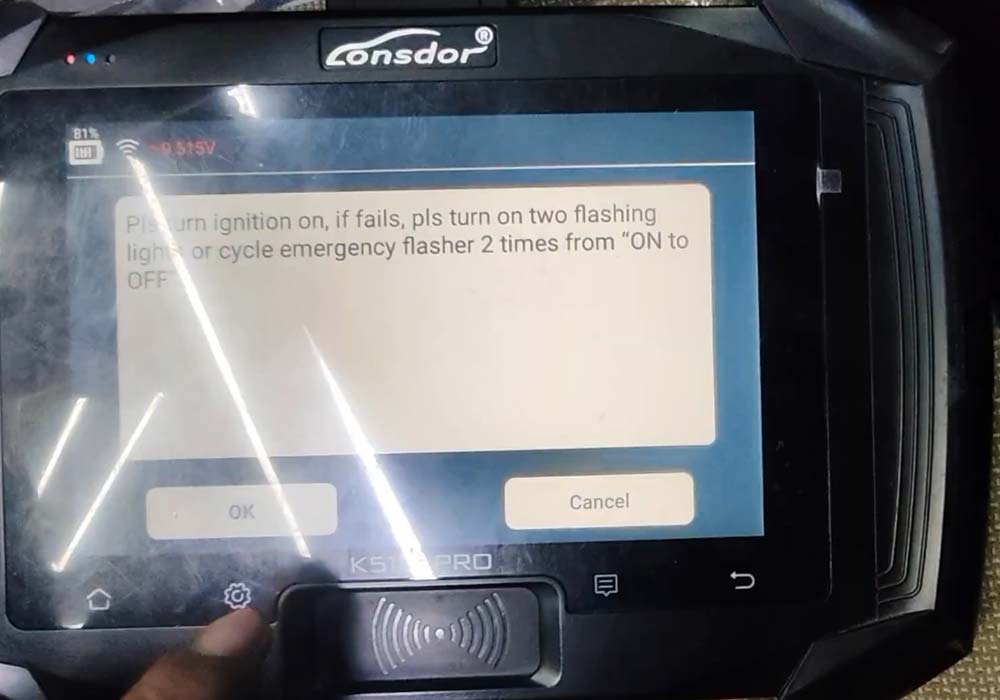
Enable hazard lights (some systems require this)
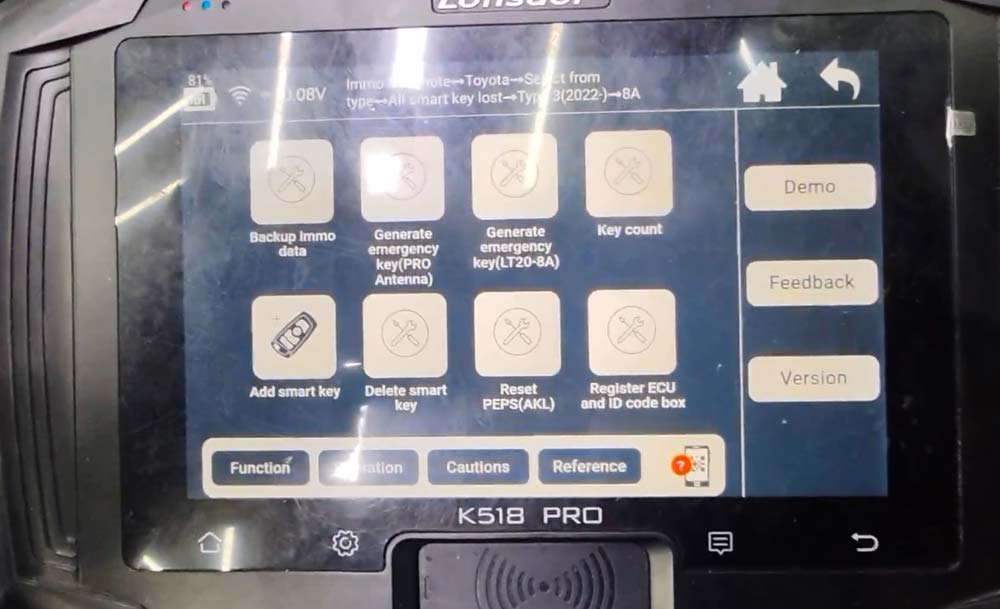
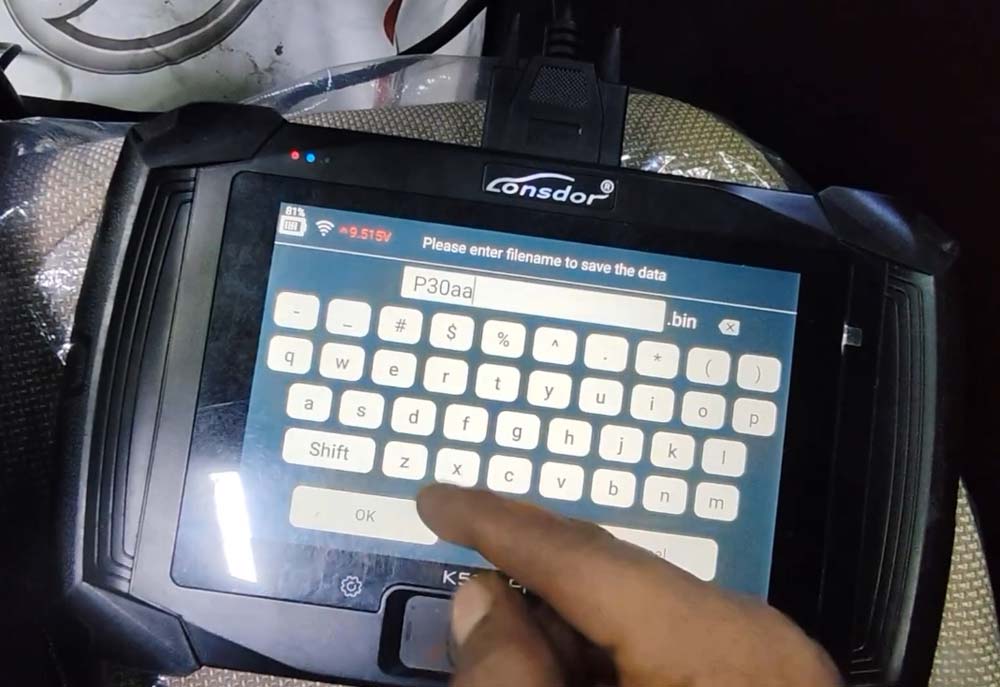
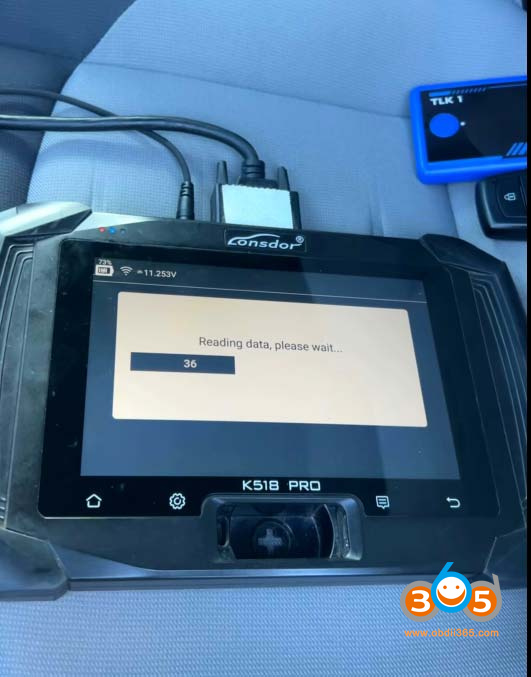
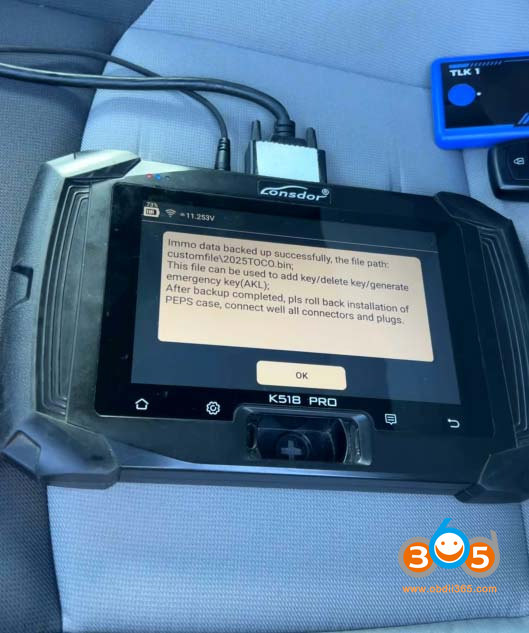
Select “Backup IMMO Data”
Enter vehicle VIN when prompted
Save the IMMO data file for use in key generation
Troubleshooting Communication Errors
If you encounter communication errors:
Verify the alarm is completely disabled
Ensure the bypass cable is properly connected
Try accessing through a different vehicle model menu (e.g., Corolla instead of Camry)
Confirm internet connectivity (some functions require online access)
Check that the vehicle battery is sufficiently charged
Step 5: Generating the Emergency Smart Key
With IMMO data backed up:
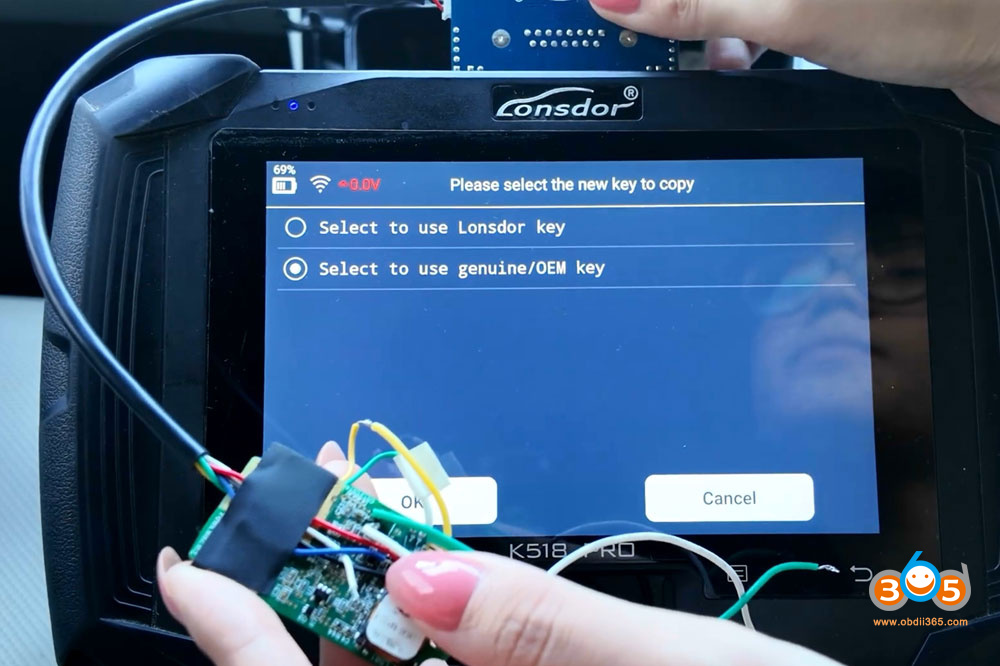
Connect the smart key emulator/antenna to the programming tool
Place the emulator antenna in the vehicle’s key detection area
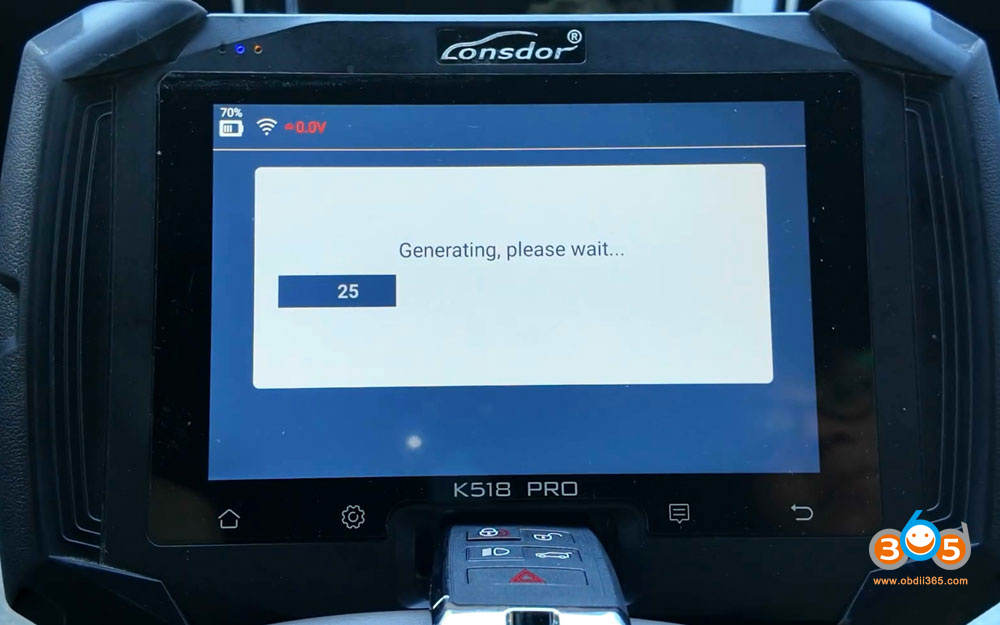
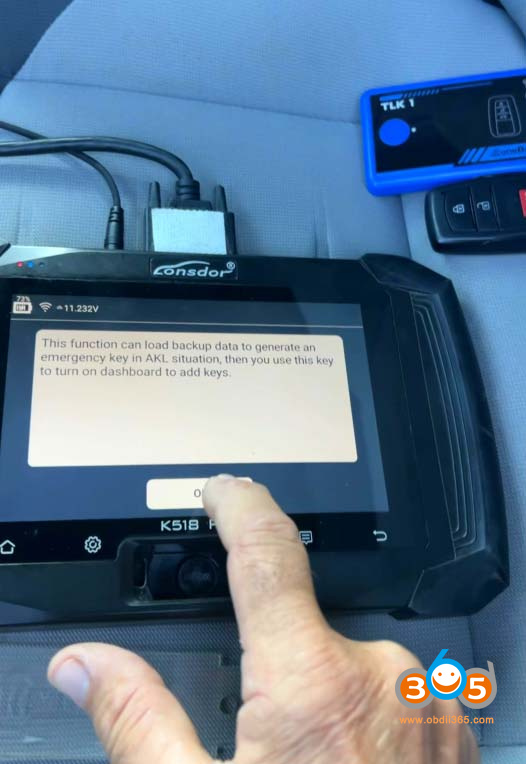
Select “Generate Emergency Key” from the tool menu
Load the saved IMMO data file
Wait for calculation and key generation
Test the emergency key by holding it to the start button
Validation: When successfully generated, pressing the start button with the emergency key should turn on the vehicle’s ignition.
Step 6: Programming the Smart Key
Choosing the Right Key
Two options were tested in this procedure:
Option 1 – Autel Universal Smart Key:
Tested with Autel KM100 and Toyota universal keys
Frequently encountered compatibility issues
Autel Toyota ikey only works on Toyota 8A/4D models. It does not work on this 4A key model.
Option 2 – Xhorse Universal Smart Key:
More reliable for Toyota applications
Successfully generated for the 2026 Camry
The preferred choice for this vehicle
Programming Steps:
Open your key programming software (Xhorse in this case)
Select:
Toyota > Camry > Camry Hybrid 2026
Generate key
Wait for 100% completion and select “Complete”
Add the smart key:
Select “Add Smart Key”
Ensure internet connection
Verify fully charged battery in vehicle
Turn ignition on
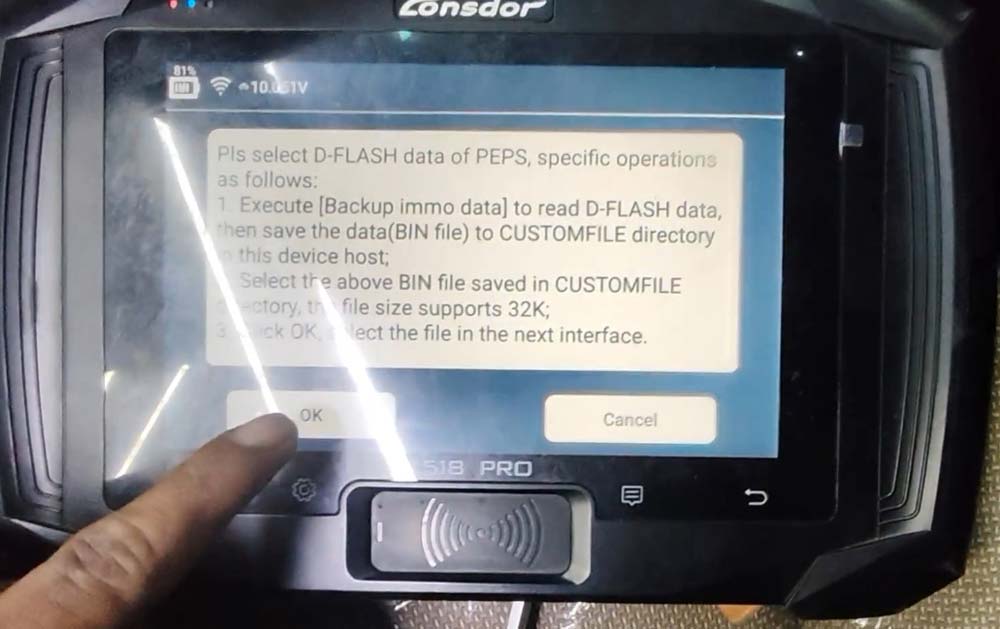
Load the IMMO data:
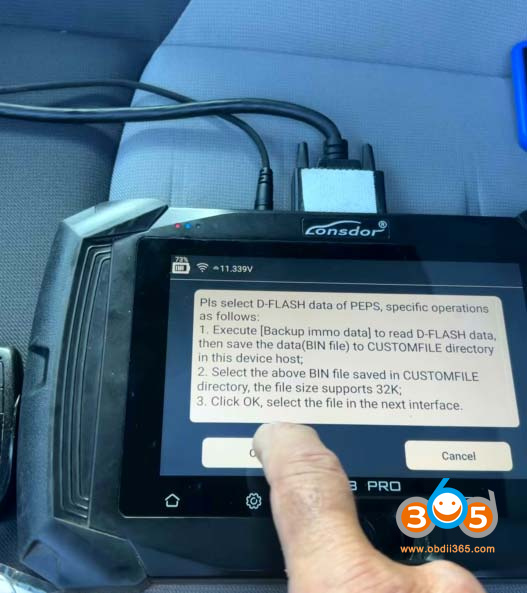
Select “Load D-Flash” or similar option
Navigate to your saved Camry 2026 file
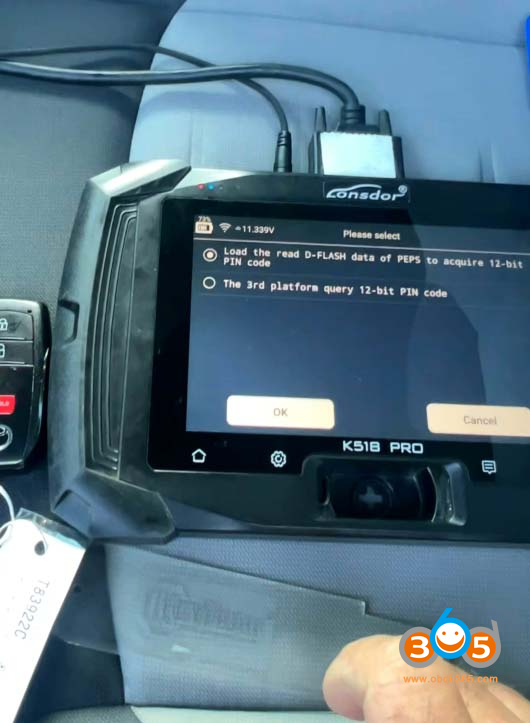
Allow system to calculate and bypass rolling PIN code
Key registration process:
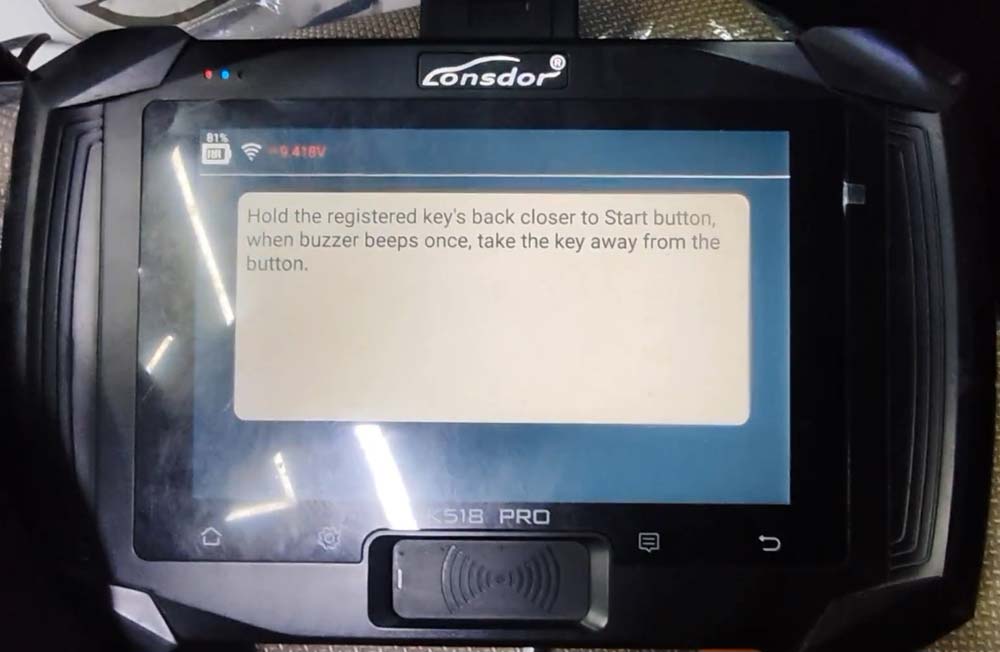
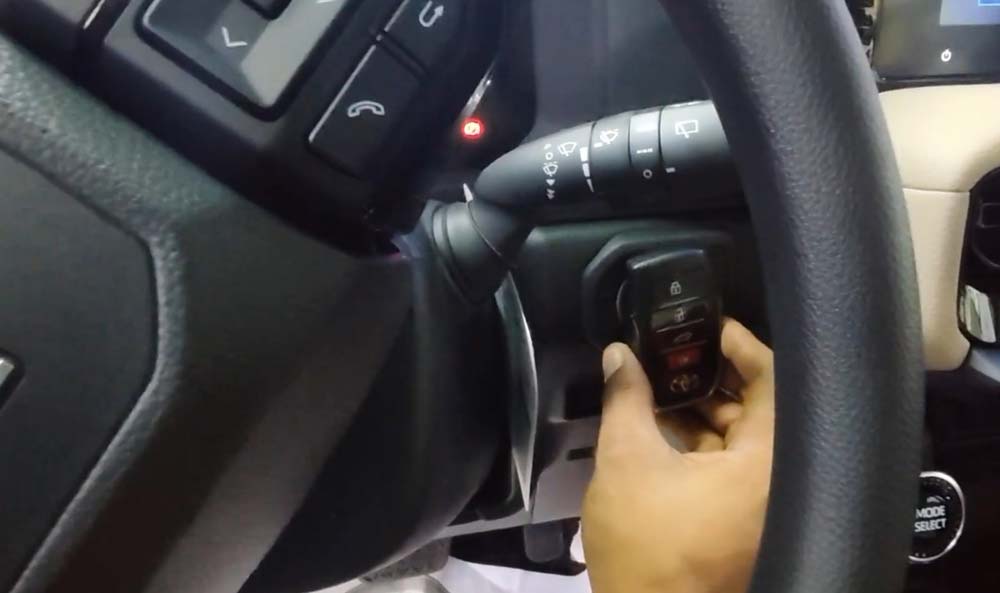
Hold the registered key to the start button (hear one beep)
Then hold the new key to the start button (hear two beeps)
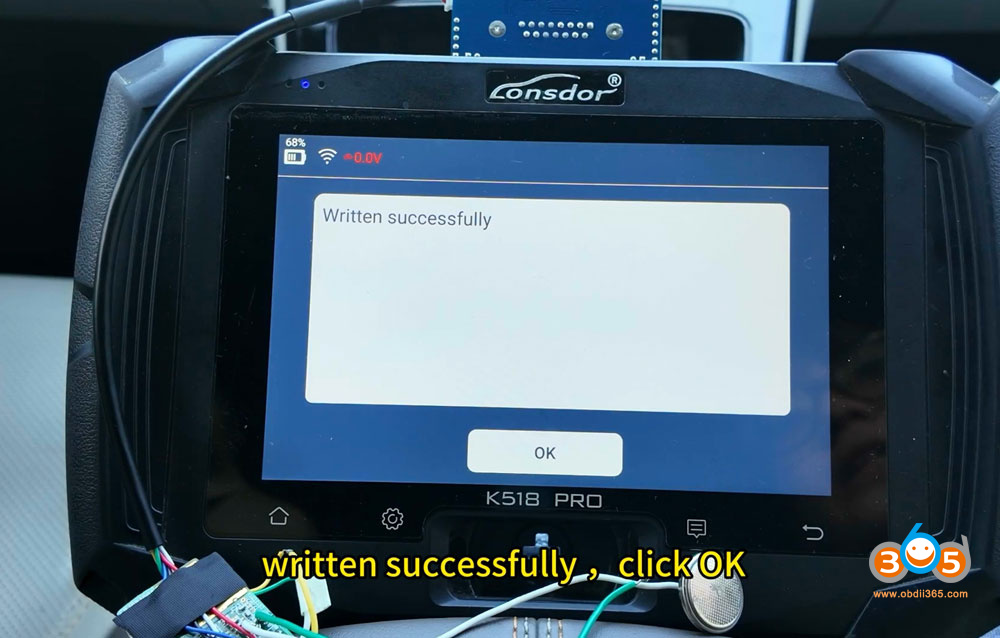
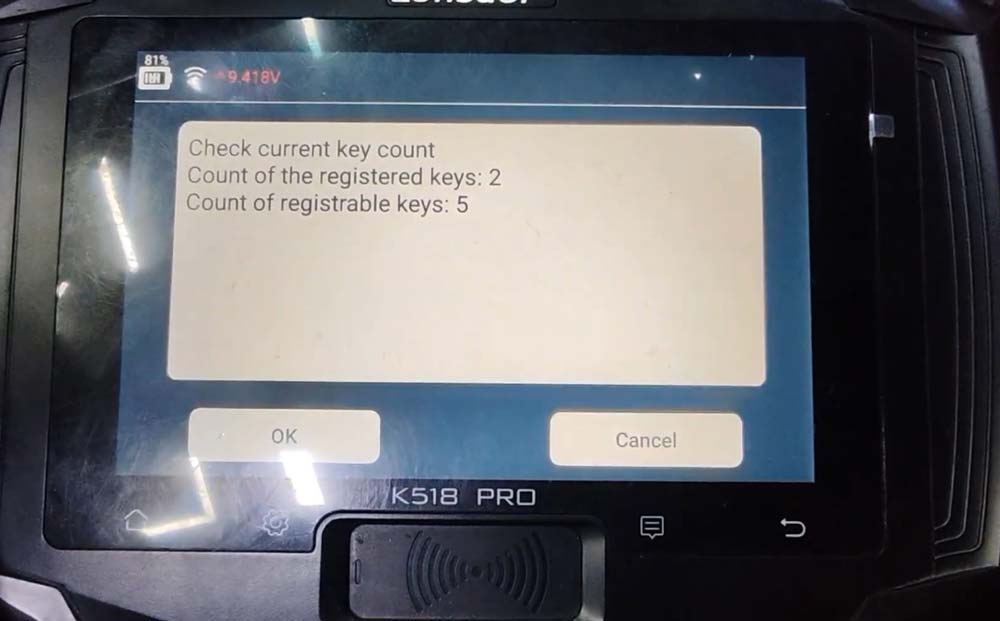
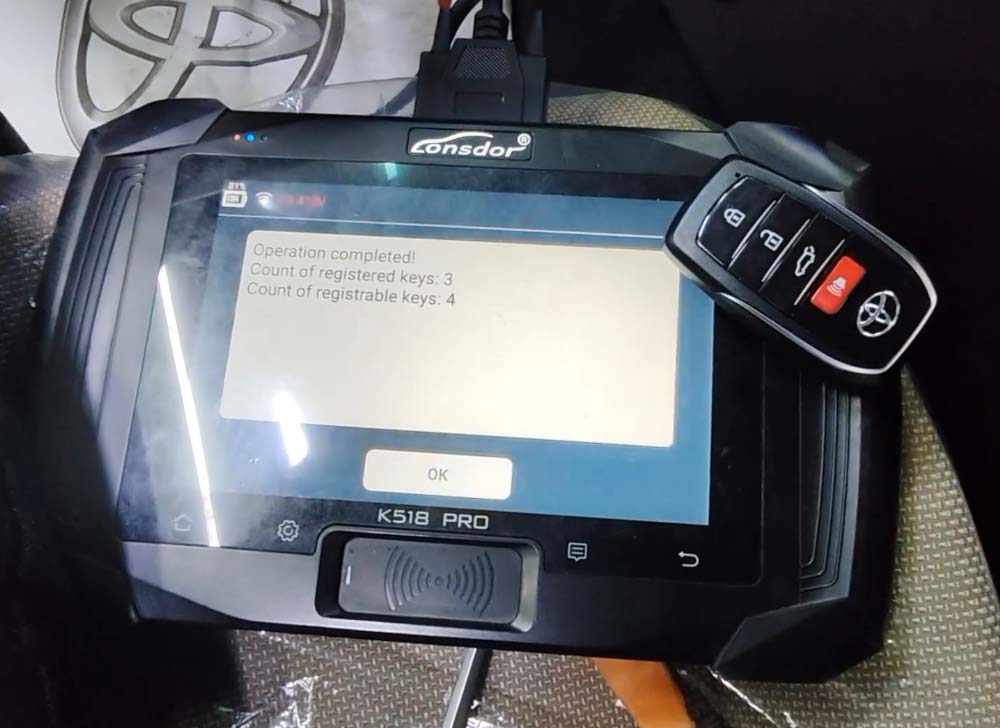
Confirm successful registration (system will show key count)
Test the new key:
Turn ignition off
Test lock/unlock functions
Test proximity start without holding key to button
Press start button twice (without brake) to verify ignition operation
Step 7: Emergency Key Cutting
The final step for a complete job:
Retrieve the door lock cylinder
Locate the key code stamped on the cylinder
Punch in the code to a key cutting machine
Cut the mechanical emergency key for the customer
Common Challenges and Solutions
Alarm Won’t Disable
Ensure you’re using the lock/unlock sequence with the door open
The sequence must be performed with the door open, then closed
Communication Errors After Alarm Disabled
Try different model year menus (2021+ vs 2024+)
The Corolla menu may work for Camry systems
Check all connections at smart box and OBD port
Key Generation Failures
Verify internet connection is stable
Ensure correct frequency (this vehicle uses 314-315 MHz)
Consider switching from Autel to Xhorse keys
Vehicle Shows Malfunction Errors
Common after crash damage (as in this case)
Not related to key programming
Advise customer of pre-existing issues
Model-Specific Notes
2026 Toyota Camry Hybrid:
Frequency: ~314-315 MHz
Uses 30-pin connector for bypass
Requires specific alarm disable procedure
Menu selection may require using Corolla option
Compatibility Notes:
2021+ model selection may not work
2024+ menus provide correct communication
Xhorse keys are more reliable than Autel for this application
Summary of Critical Steps
| Step | Action | Importance |
|---|---|---|
| 1 | Access smart box connector | Essential for bypass |
| 2 | Disable alarm (newer method) | Critical for communication |
| 3 | Install 30-pin bypass cable | Allows OBD access |
| 4 | Backup IMMO data | Required for key generation |
| 5 | Generate emergency key | Verifies communication |
| 6 | Program permanent key | Main objective |
| 7 | Cut emergency key | Complete service |
Final Verification
After completing all steps, verify:
Vehicle starts with proximity key
Lock/unlock functions work
Emergency key operates door
No additional warning lights present (beyond pre-existing issues)