We demonstrate the smart key programming process for the new-generation Toyota Prado 2025. We have used the Lonsdor K518 Pro and provided a step-by-step guide on how to program this new model.
Procedure:
Connect Londsor FP30 30 pin cable to the smart box. The smart box is located under the instrument on the driver side.
Then connect OBD cable with K518 Pro programmer.


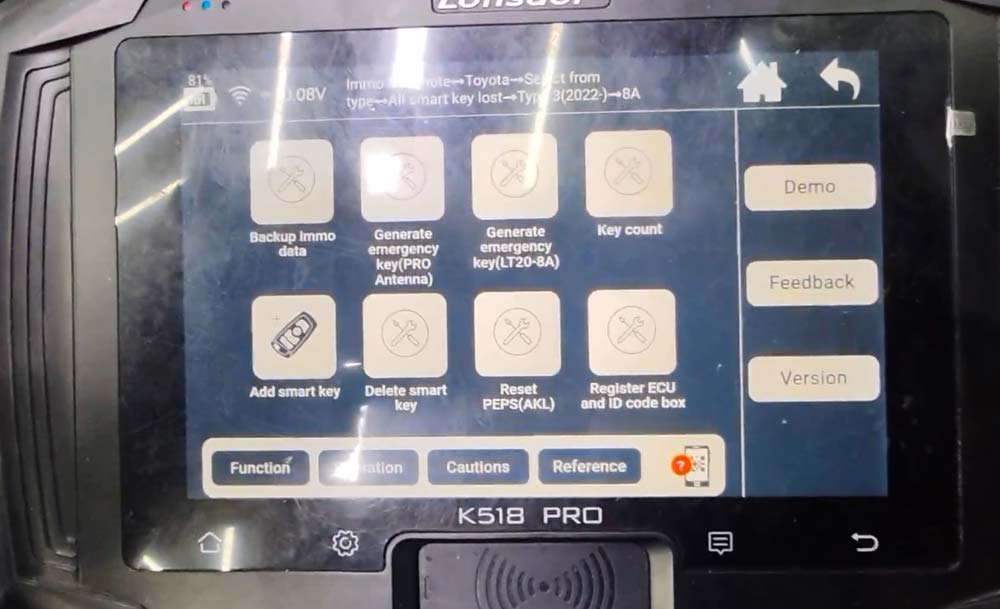
Go to IMMO & Remote- Toyota- Select from type- All smart key lost- Type 3 (2022-)- 8A.
Select Back up immo data.

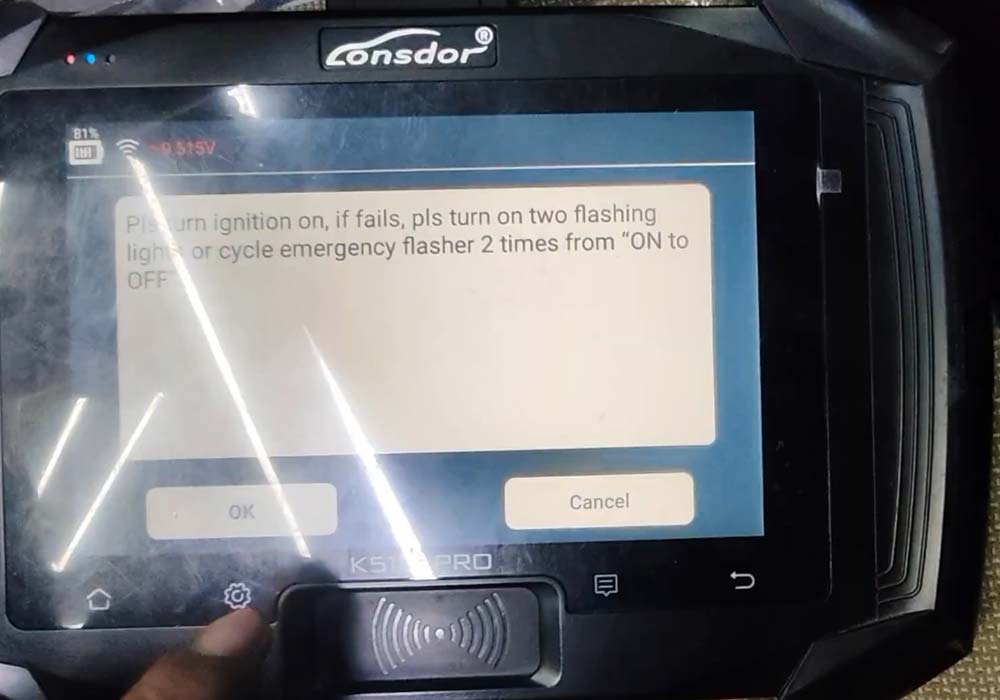
Turn on ignition; if it fails, turn on the emergency flashers 2 times from ON to OFF.
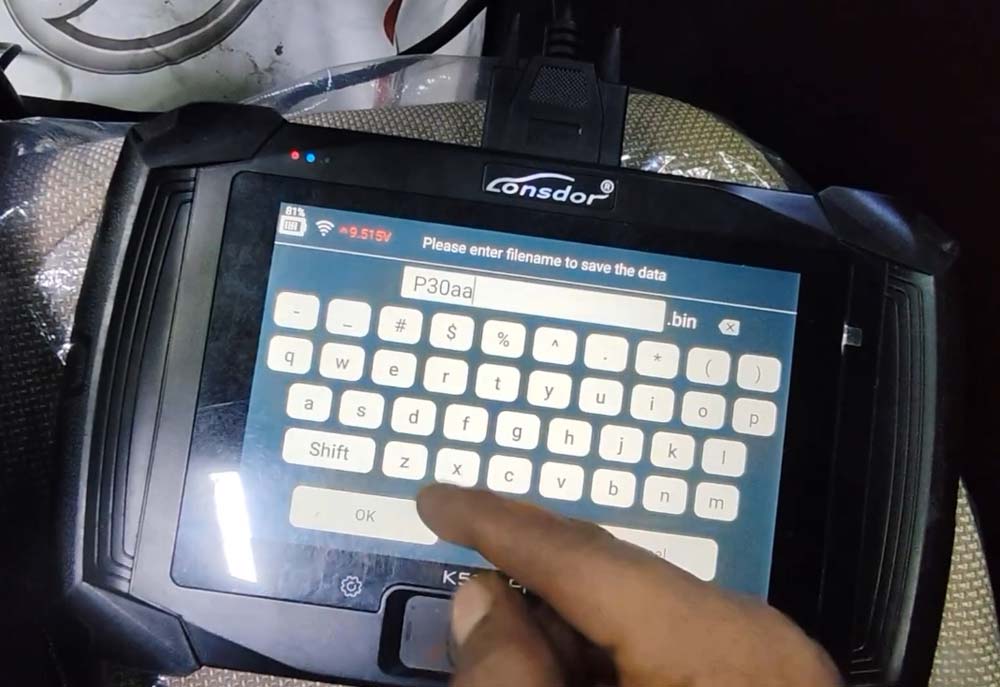
Read and save immo data.


Keep the vehicle full charged.
Turn on ignition switch.
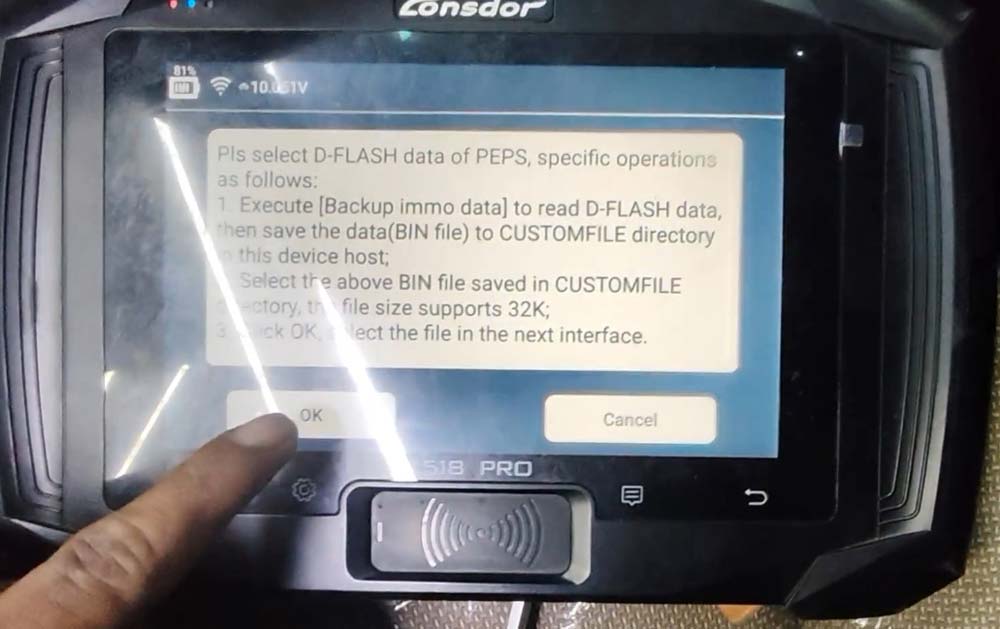
Select the smart box immo data PEPS D-flash data just saved to obtain 12-digit pin code.

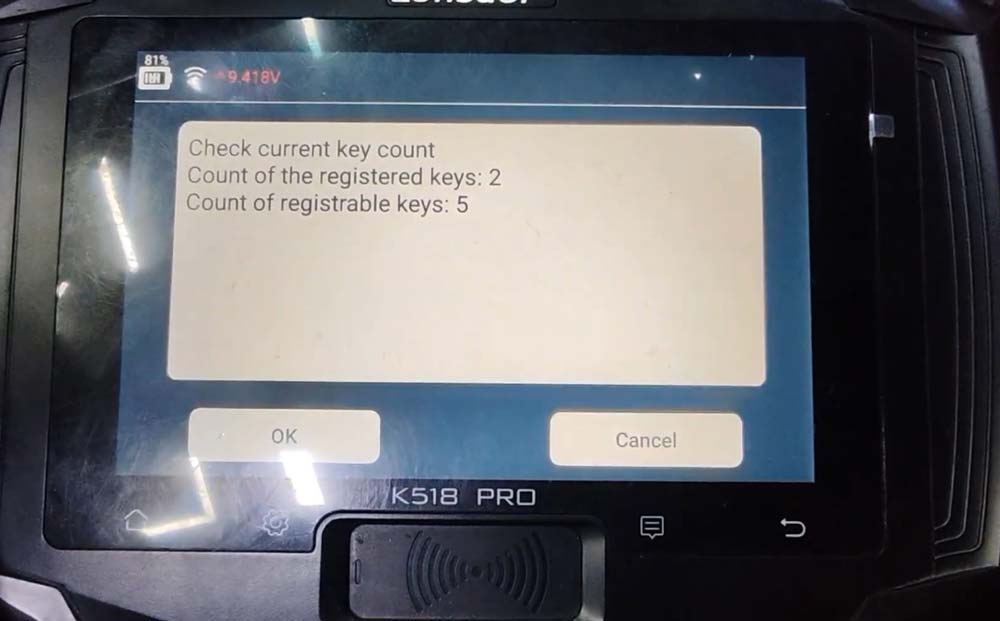
Detect key number information.

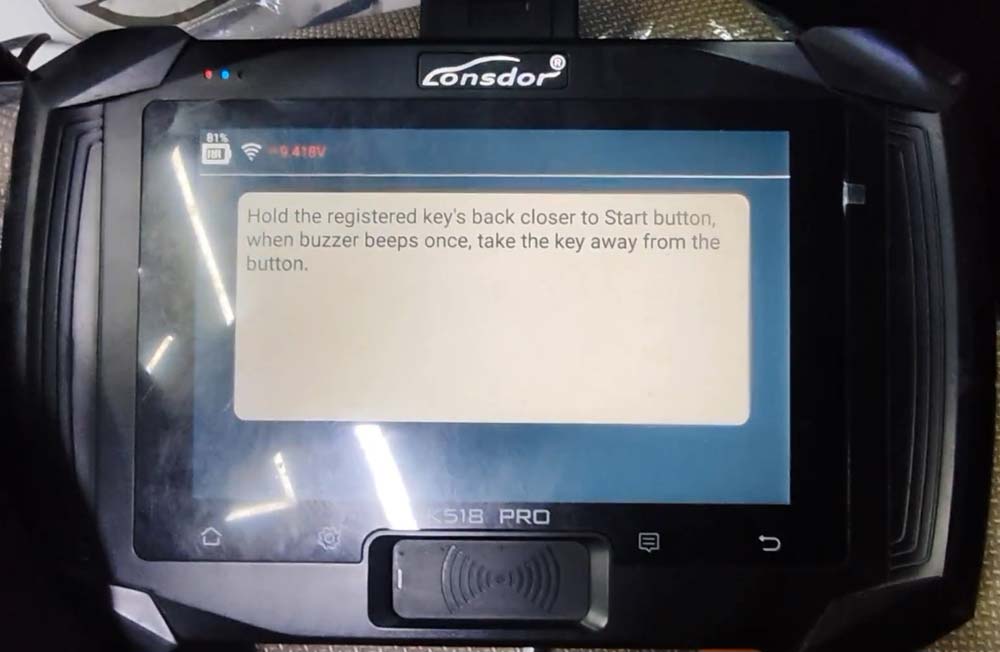
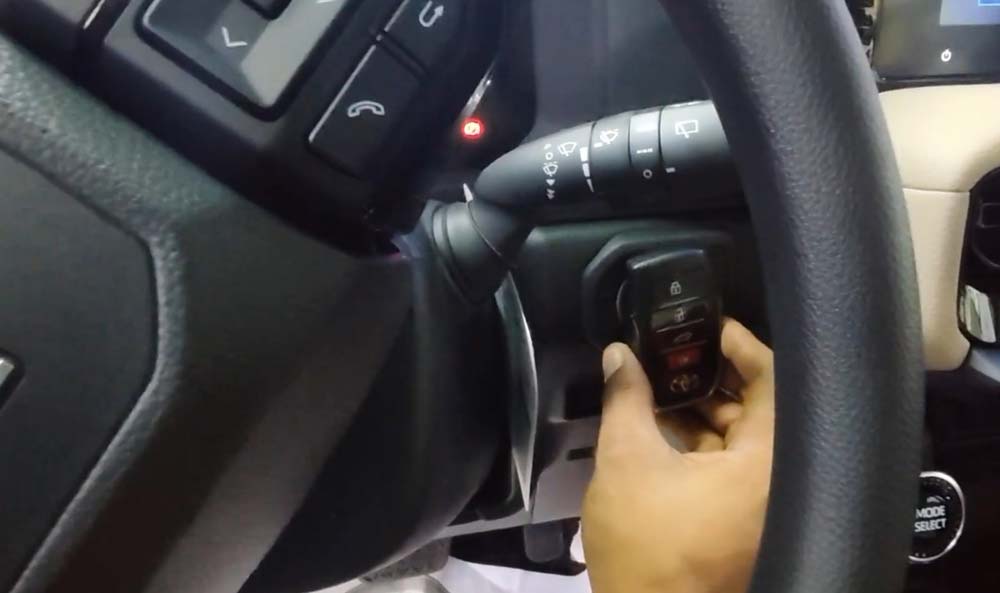
Hold the registered key’s back close to the Start button, when buzzer beeps once, take the key away from the button.

Hold the new smart key’s back close to the Start button, when buzzer beeps once, take the key away from the button.

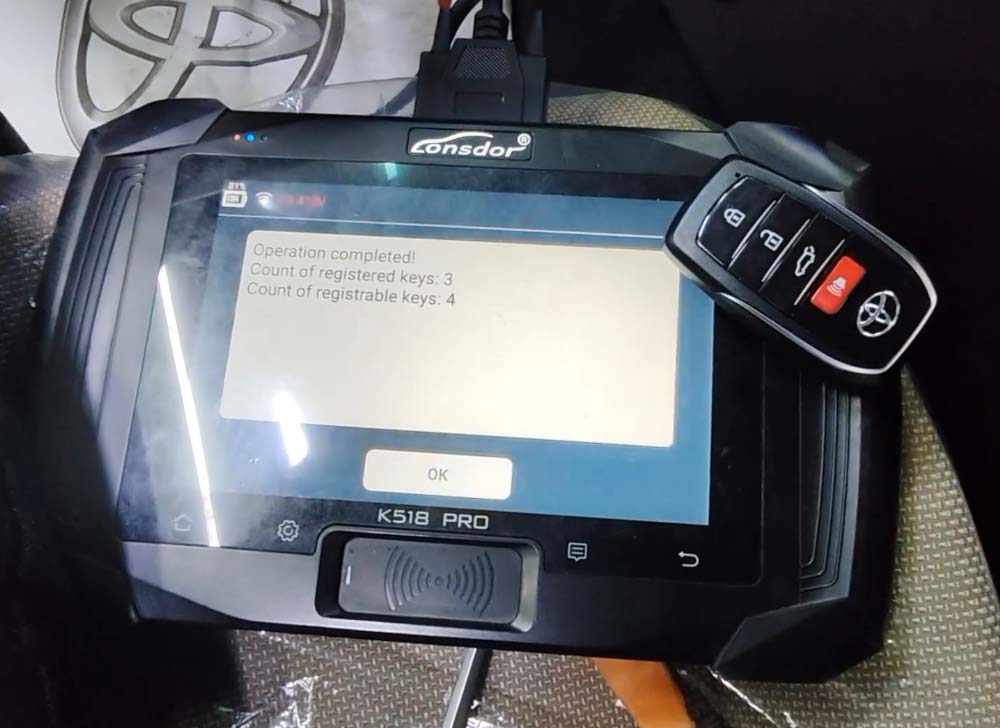
Program a new 8A smart key successfully.


No comments:
Post a Comment